1. What moves, and what stays
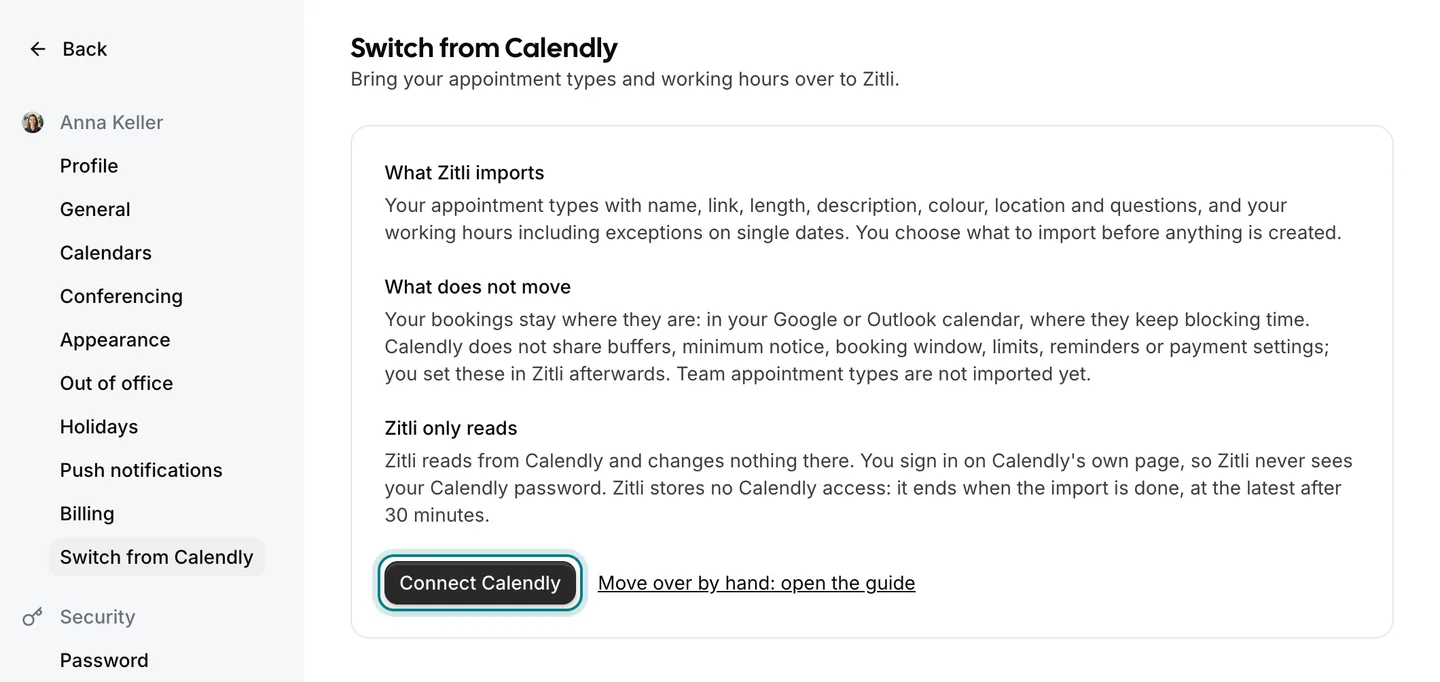
What moves: your appointment types with name, link, length, description, colour, location and the questions you ask when someone books. Your working hours move too, including exceptions on single dates and hours that belong to one appointment type only.
What stays: appointments already booked. They are in your Google, Outlook or Apple calendar, and Zitli reads that calendar, so those times are blocked from the first minute. Buffers, reminders and payment settings are not passed on by Calendly; you set them once in Zitli.
Keep Calendly running until your Zitli link is tested. Nothing in your Calendly account is changed or deleted by the switch.
2. Try the import first
In Zitli, open Settings and choose «Switch from Calendly». If you see the button «Connect Calendly», click it. Calendly then asks, on its own page, whether Zitli may read your appointment types and availability. Zitli never sees your Calendly password.
After you agree, Zitli lists what it found. Tick what you want, read the notes next to each item (for example when your Calendly hours are in another time zone than your Zitli account) and click «Import selection». You can run it again later: nothing is created twice.
Zitli only reads, and it keeps no access to Calendly: the connection ends when the import is finished, at the latest after 30 minutes. If the page tells you the automatic import is not available at the moment, carry on with the next steps by hand.
3. Connect your calendar
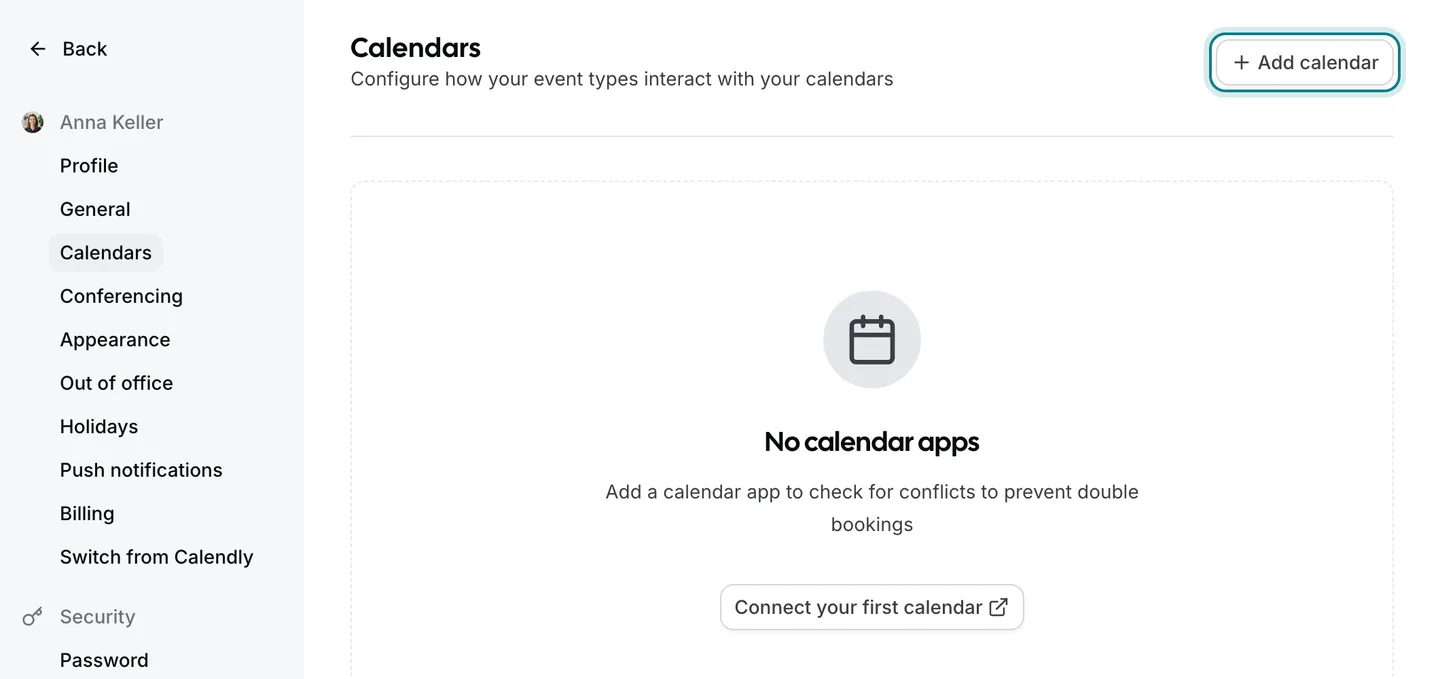
Connect the calendar you used with Calendly: Google Calendar, Outlook or Apple Calendar. Zitli checks it before offering a time, so nobody can book you while you are busy, and new bookings appear in it. You do this under Settings › Calendars with «Add calendar».
Do this before anything else if you set up by hand. With the calendar connected, every appointment that was booked through Calendly already blocks its time in Zitli.
4. Set up your appointment types
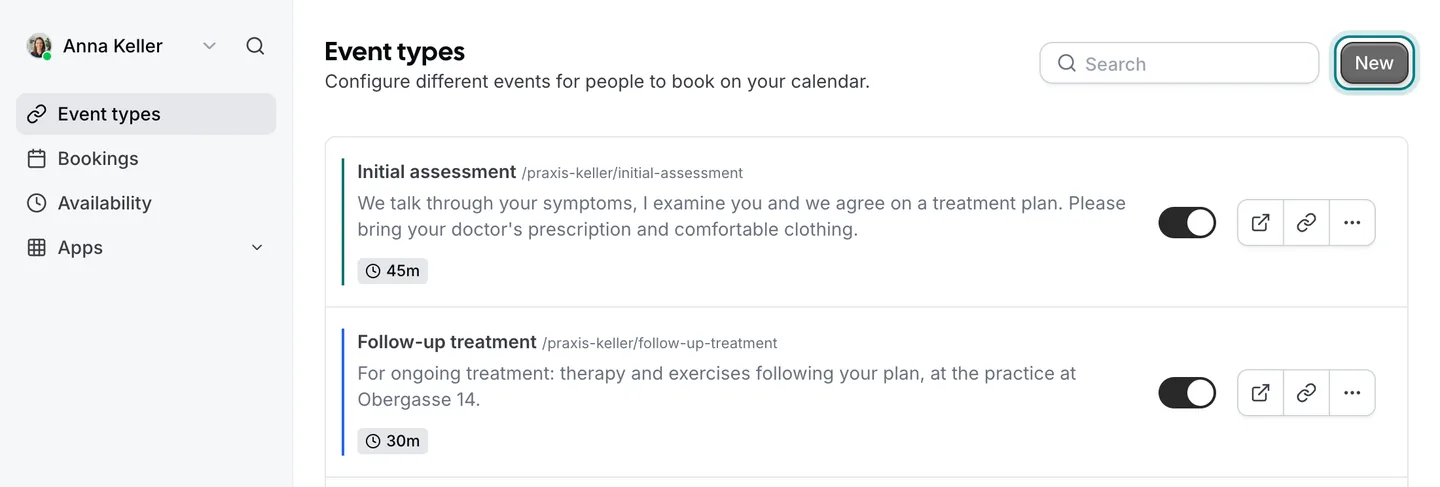
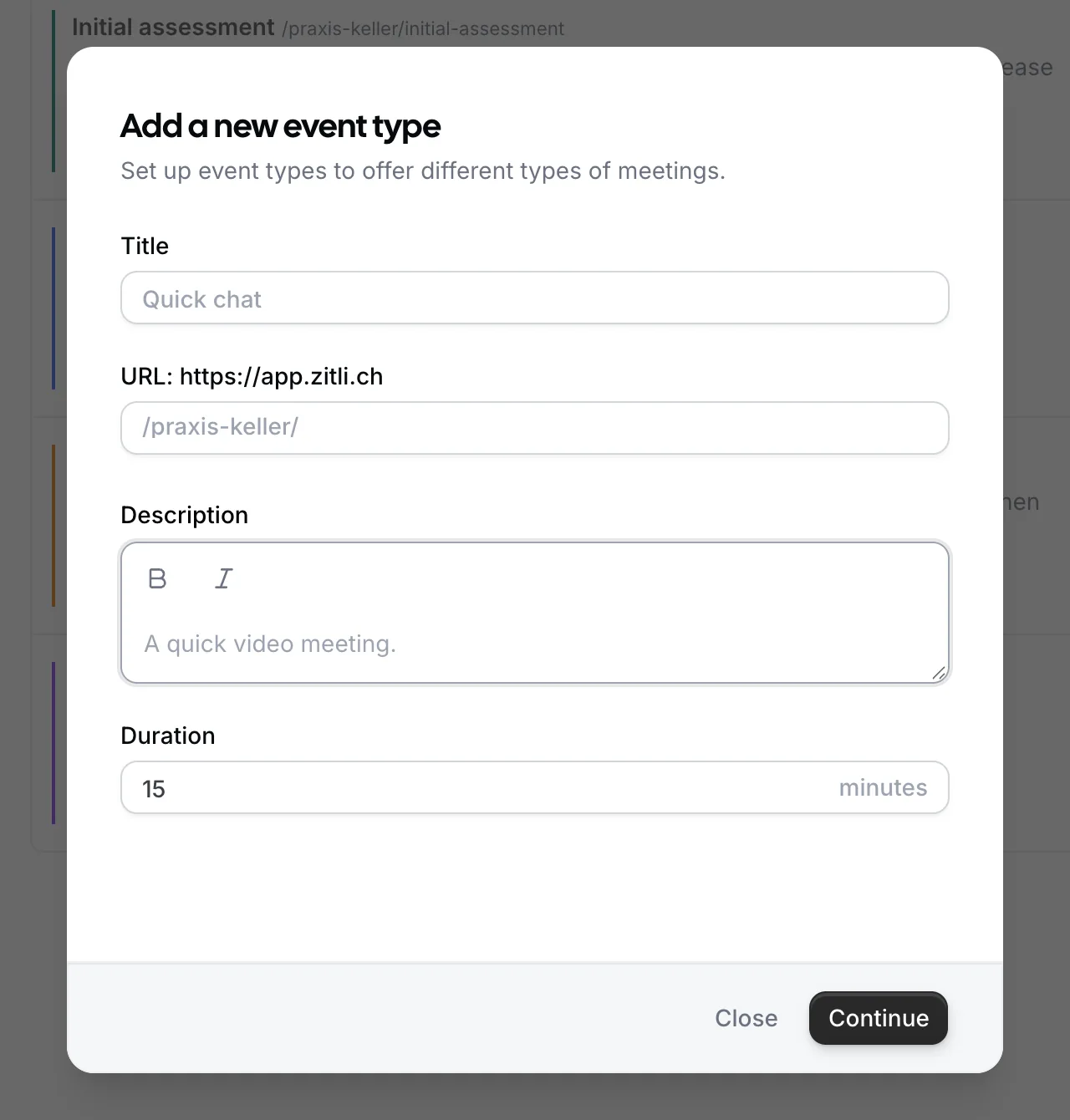
Open Calendly and Zitli side by side. In Zitli, appointment types are in the menu «Event types»; «New» creates one. For each appointment type you still offer, create one in Zitli with the same name, length and location, and copy the description and the questions. Leave out the types you no longer use; this is a good moment to tidy up.
If you want clients to find you under the same link ending as before, give the Zitli appointment type the same link name, for example /first-consultation.
Then add what Calendly does not pass on: buffer time between appointments, minimum notice and the reminder email. Team appointment types (round-robin, collective) are coming soon to Zitli; plan those for later.
5. Set your working hours and your canton
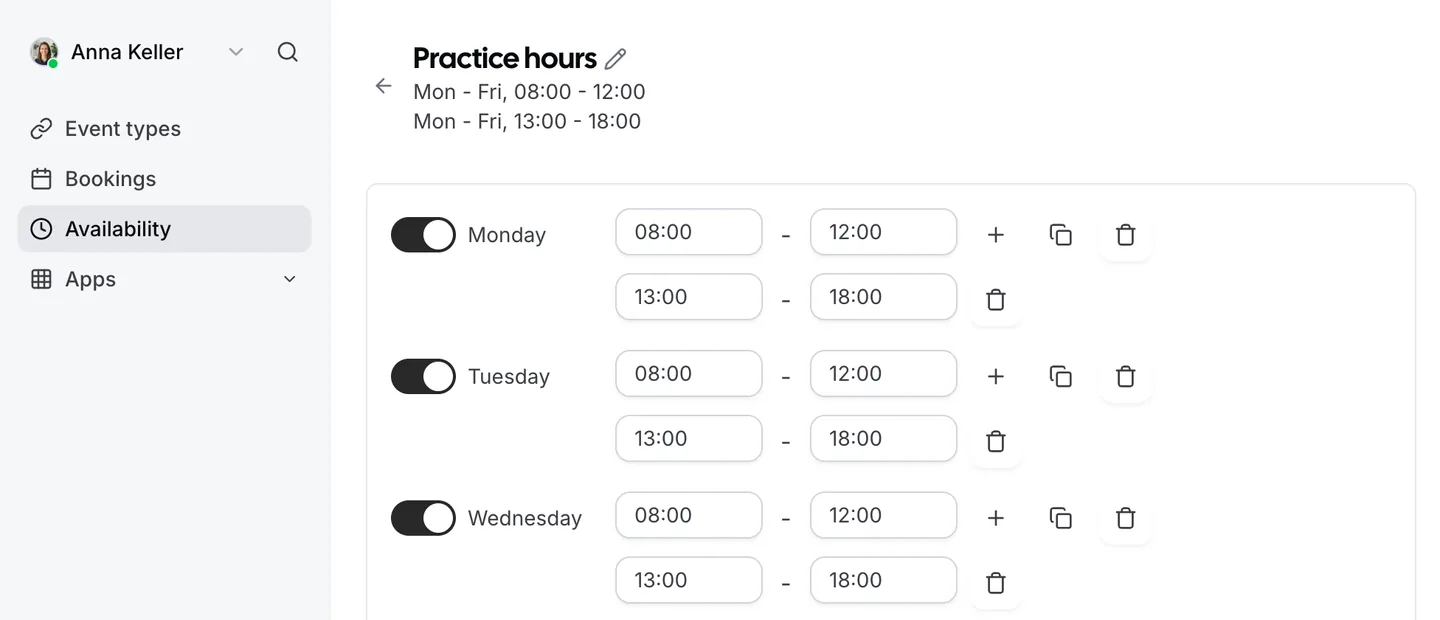
Under Availability, enter your working hours per weekday and any dates on which you work differently. If one appointment type has its own hours, for example Saturday mornings only, give it its own schedule.
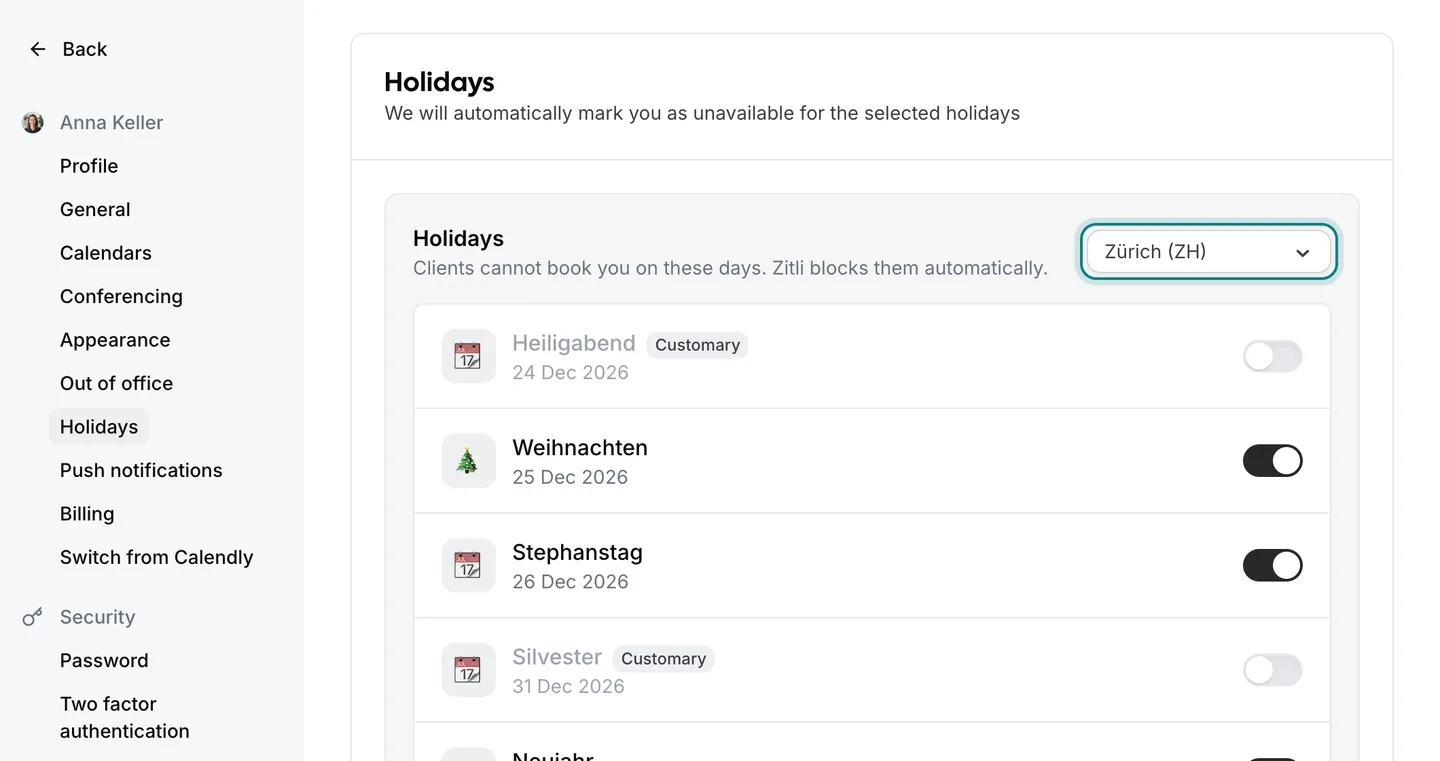
Check the time zone of each schedule. Then choose your canton under Settings › Holidays: Zitli blocks its public holidays for you, so you no longer enter them by hand each year.
6. Change your link wherever clients find you
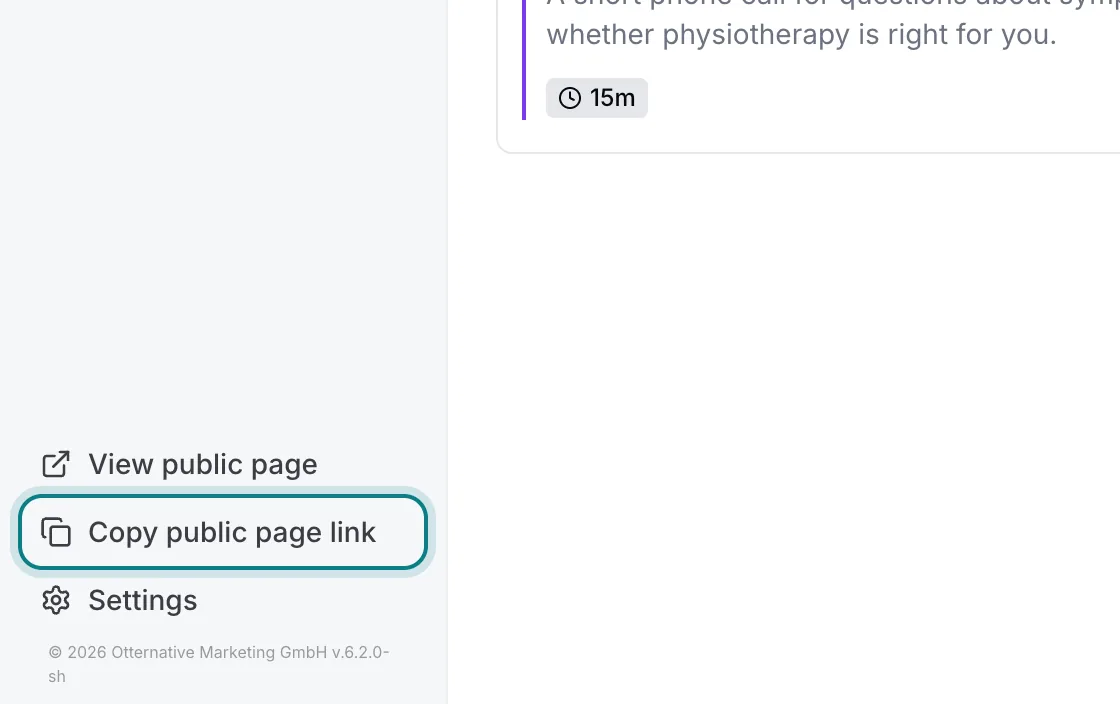
You copy your Zitli link with «Copy public page link» at the bottom left of the app. Replace the Calendly link on your website, in your email signature, in templates and on your Google Business Profile. If the booking calendar is embedded in your website, replace the embed code with the one from Zitli.
A short note to regular clients is enough: «You can now book your appointments here», with the new link. Appointments they already have do not change.
7. Before you switch off Calendly
Book a test appointment with yourself, in each language you offer. Check that it lands in your calendar, that the confirmation email arrives and that the video link works.
Open your booking page on a public holiday of your canton and on a day you are away: no times should be offered.
Leave Calendly active for about two weeks, until no new bookings arrive there. Then end or downgrade the subscription.
See also: Zitli vs Calendly · Pricing · All guides